No link - Slide item 3 - Icon & text
"No link - Slide item 3 - Icon & text is recommended for use where 2 or 3 slide items are visible on screen. It can be customised as described in the specification tab below."
- Overview
- Specification
- Style Guide Manager
- Examples in-situ
- Usage

Specification
This provides guidance on the build, layout and content options for this component.
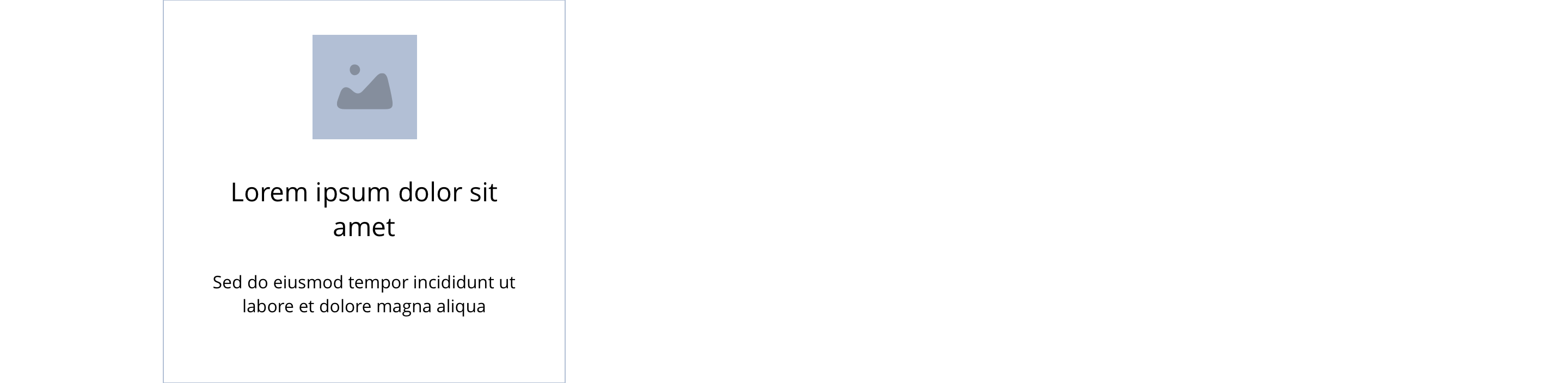 Layout specification
Same as No link - Block 3 - Icon & text with the addition of sliding properties.
Interaction
These are the interactive aspects of the component.
| Interaction |
|---|
| None |
Animation
For the foreground image animation. Animation configuration option will be following
| Foreground Image animate | Allows users to switch On/Off the animation functionality for the button link. | Optional | On/off. |
| Select animation | Allow user to select animation from the drop-down list. | Optional | Select list |
| Duration | Set how long in seconds the animation will take to run | Required | Numeric Input |
| Delay | Set a start delay on the animation in seconds | Optional | Numeric Input |
| Iteration | Set the number of times the animation should run | Optional | Numeric Input (Maximum two) |
| offset | Set the animation to start at a specific offset before or after the element has entered the view port | Optional | Numeric Input (Pixel) |
See No link - Block 3 - Icon & text for settings.
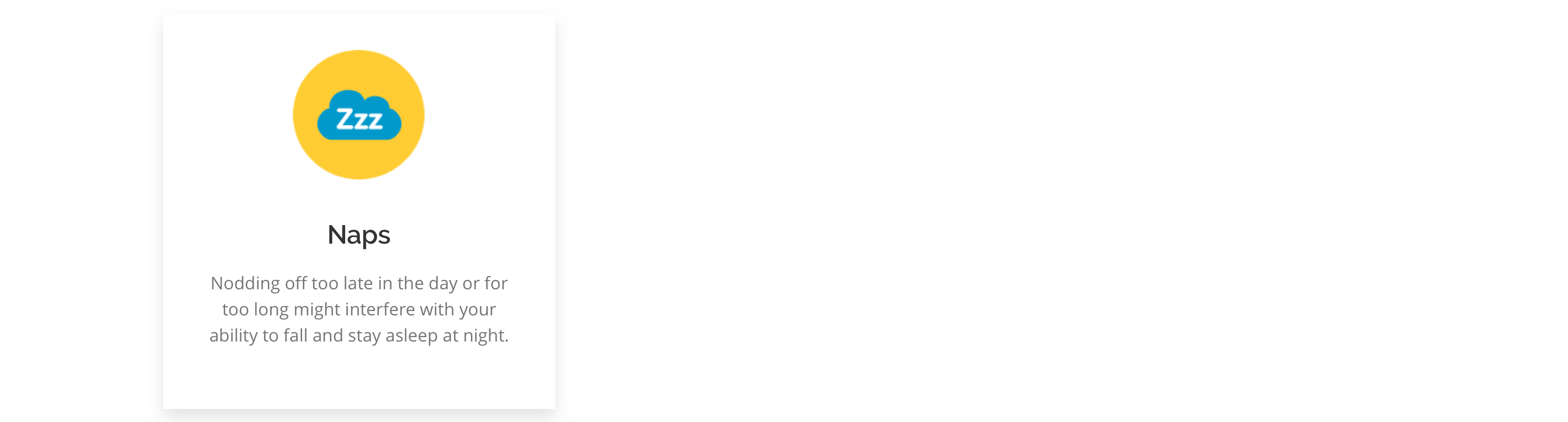

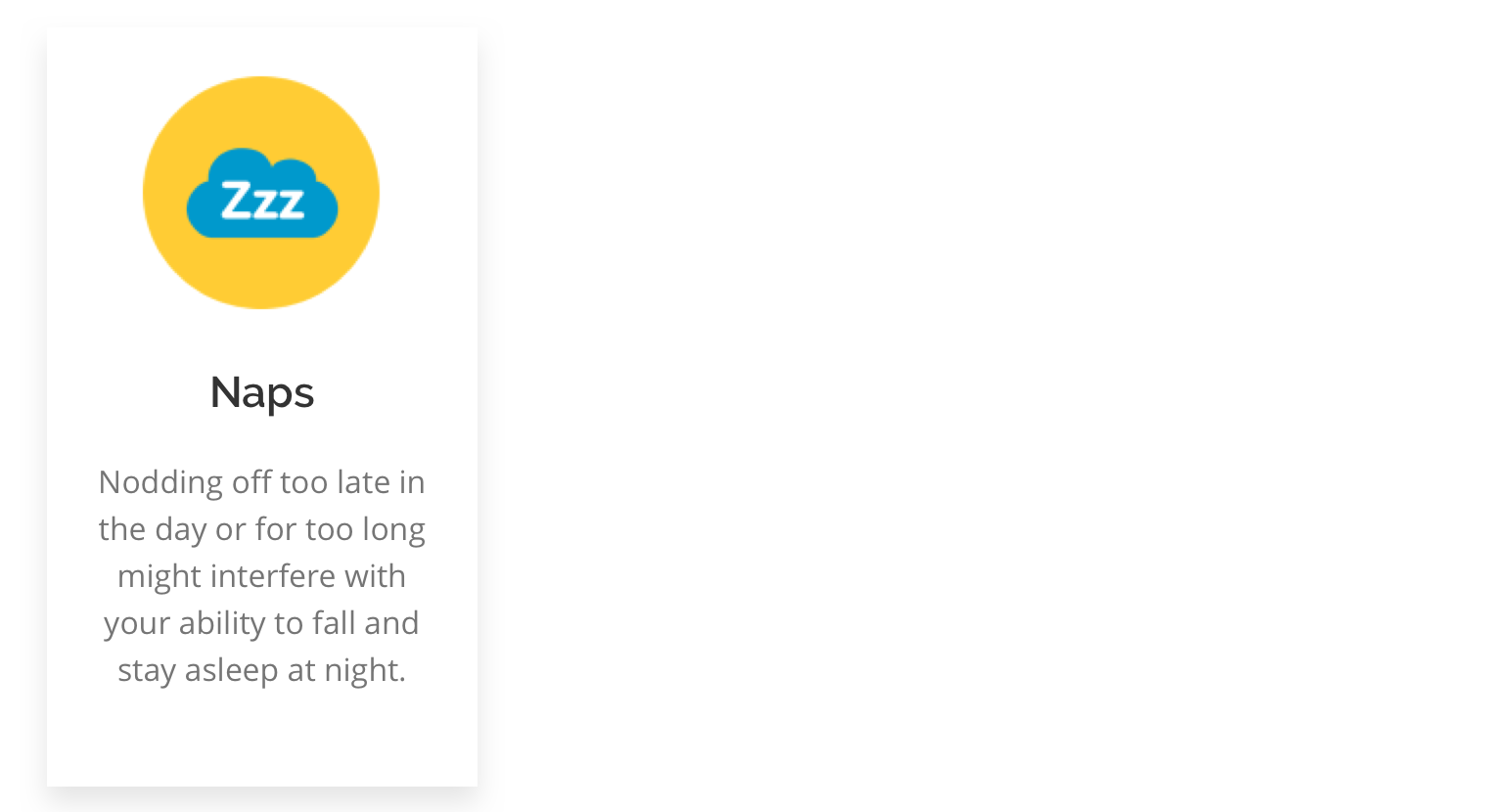


General usage dos and don'ts
| ✅ Dos | ❌ Don'ts |
|---|---|
| Slide items can only be used with the Slider container. | |
| Ensure the text is legible. | Do not use a background colour that makes the text hard to read. |
| Use a superficial button and add the link to the entire block. | Do not add a separate link within the block itself. This will break the block. |
| Read our guidance on imagery. | |
| Read our guidance on the use of WYSIWYGs. |